7 Mentimeter alternatives for meetings and classes (2026)
Mentimeter's free plan allows 50 participants a month. Here are seven alternatives, with free plan limits, yearly prices and who each one suits.
ChimeIn team7 min read
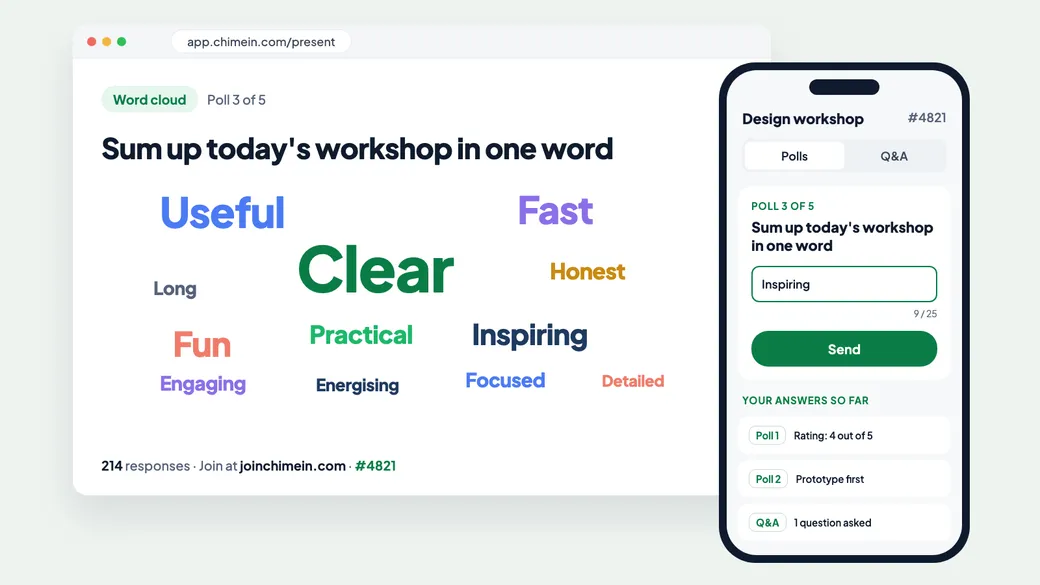
Mentimeter is one of the best-known tools for live polls, word clouds and quizzes. You build a presentation, add interactive slides, and your audience answers from their phones. It looks good on screen and it’s easy to learn.
So why look for a Mentimeter alternative? Most people hit one of three things:
- The free plan counts participants per month. You get 50 participants a month in total, across every presentation. Two team meetings of 25 people and you’ve used it up.
- Paid plans are yearly only. Mentimeter’s FAQ says Basic and Pro can’t be paid month to month. If you only present a few times a year, that’s a big commitment.
- Q&A moderation needs Pro. Approving audience questions before they appear on screen is part of the Pro plan at $28 per presenter a month.
This guide compares seven alternatives, starting with the question that matters most for a free plan: is the limit per session or per month?
Mentimeter at a glance
From Mentimeter’s plans page:
- Free: 50 participants a month, with unlimited participants once a month. Includes Menti AI and multiple question types.
- Basic: $14 per presenter a month, billed yearly. Unlimited participants, slide import from PowerPoint, Keynote or PDF, and results exports.
- Pro: $28 per presenter a month, billed yearly. Adds branding, team workspaces and Q&A moderation from your phone.
- Enterprise: custom pricing, with single sign-on.
In fairness to Mentimeter, it never stops people joining a presentation that’s already running. If you go over your monthly limit mid-session, you get an 8-hour grace period to finish.
The 7 alternatives at a glance
| Tool | Free plan limit | Limit counted | Paid plans from | Best for |
|---|---|---|---|---|
| Slido | 100 participants, 3 polls | Per event | $17.50 a month | Q&A at company meetings and Webex calls |
| AhaSlides | 50 participants | Per month | $7.95 a month | The lowest-cost Mentimeter swap |
| Vevox | 100 participants | Per session | $11.95 a month | Training with many poll types |
| Poll Everywhere | 40 participants | Per session | $10 a month | Polls inside PowerPoint |
| Pigeonhole Live | 100 participants | Per session | $13 a month | Conferences and town halls |
| Wooclap | 5 questions a month | Per month | $13 a month | Lectures and training with 21 question types |
| ChimeIn | 100 participants, 5 polls | Per session | Custom plans | Meetings and classes that mix polls, Q&A and quizzes |
1. Slido
Slido is owned by Cisco and is strongest at audience Q&A. It works inside Webex, PowerPoint and Google Slides.
- Free plan: 100 participants per event, basic Q&A and 3 polls per event.
- Paid: Engage at $210 a year for 200 participants with unlimited polls and quizzes. Professional at $900 a year for 2 users and 1,000 participants. One-time plans cover a single event of up to 7 days.
- Compared with Mentimeter: a bigger free audience that resets with every event, but only 3 polls. Like Mentimeter, there’s no monthly billing.
We compare Slido in more depth in Slido alternatives: 6 live Q&A tools compared.
2. AhaSlides
AhaSlides works much like Mentimeter: an interactive slide deck with polls, quizzes, word clouds and Q&A. It’s the cheapest paid option here.
- Free plan: 50 participants a month, with up to 5 quiz questions and 3 poll questions per presentation.
- Paid: Essential at $7.95 a month and Pro at $15.95 a month, both billed yearly. Monthly billing is available at a higher price.
- Compared with Mentimeter: about half the price, with a monthly option. The free plan has the same monthly cap, so it won’t solve that problem on its own.
3. Vevox
Vevox offers polls, quizzes, surveys and Q&A boards, with separate plans for business and education and integrations with Microsoft Teams and PowerPoint.
- Free plan: up to 100 participants per session, with unlimited multiple-choice polls, quizzes and Q&A.
- Paid: Starter at $11.95 a month for 250 participants, adding word clouds and more poll types. Pro at $24.95 a month for 1,500 participants, adding Q&A moderation and branding. Both are billed yearly.
- Compared with Mentimeter: a per-session limit that’s twice the size. The free plan only has multiple-choice polls, so word clouds need a paid plan.
4. Poll Everywhere
Poll Everywhere is a long-standing polling tool, popular in universities and large companies, with a PowerPoint integration on every plan.
- Free plan: an audience of up to 40 (700 for your first 30 days), with every question and poll type.
- Paid: Present at $120 a year, Engage at $588 a year and Teams at $999 a year, each for audiences of up to 700. Monthly billing is available and costs more.
- Compared with Mentimeter: every question type is free, and data exports are included on the free plan. The audience cap of 40 is the smallest here.
5. Pigeonhole Live
Pigeonhole Live is built for events: multi-track conferences, agendas, registration and AI translation of questions.
- Free plan: 100 participants and 1 user, with unlimited Q&As, polls, chats and surveys.
- Paid: Presenter at $13 a month ($156 a year) for 250 participants, with moderated Q&A and slide import. Standard at $150 a month ($1,800 a year) for 2,000 participants and 3 users.
- Compared with Mentimeter: stronger for conferences and long Q&A sessions, weaker for quick quizzes in a weekly meeting.
6. Wooclap
Wooclap offers 21 question formats, from multiple choice to word clouds, plus a message wall for questions and self-paced questionnaires.
- Free plan: unlimited participants, but only 5 questions a month.
- Paid: Basic at $13 a month with unlimited questions and exports. Pro at $25 per presenter a month with AI features, branding and a moderator mode. Both are billed yearly.
- Compared with Mentimeter: the opposite free plan. Wooclap limits questions, not people, so it suits one big session a month rather than many small ones.
7. ChimeIn
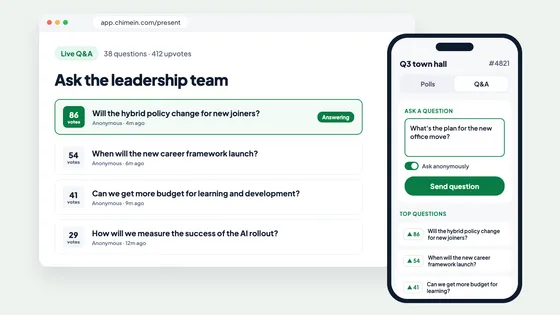
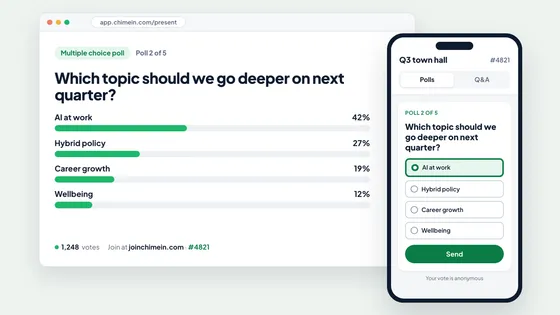
ChimeIn is our own tool, so read this with that in mind. It’s built around sessions where your audience switches between live polls, Q&A and quizzes in one tap, from their phone’s browser.
- Free plan: up to 100 participants per session, not per month. Up to 5 saved sessions, 5 polls per session with every question type including ranking, up to 100 Q&A questions, and quizzes of up to 10 questions with a live leaderboard. See the full comparison.
- Paid: custom plans for bigger audiences, whole teams, schools and events.
- Compared with Mentimeter: you can run a weekly team meeting or class for free, every week, without running out of participants.
- Watch out for: ChimeIn doesn’t yet have a moderation queue for approving questions before they’re shown. We’re also opening accounts in waves, so join the interest list or book a demo. If you want to build your whole slide deck inside the tool, Mentimeter and AhaSlides are designed around that.
Which one should you choose?
Work out how you present before you compare features:
- Lots of small sessions, like weekly meetings or classes: pick a tool whose free limit resets every session. Slido, Vevox, Pigeonhole Live and ChimeIn all do.
- One big session a month: Mentimeter’s “unlimited once a month” or Wooclap’s unlimited participants will go further.
- A slide deck with polls built in: stay close to Mentimeter with AhaSlides, or use a PowerPoint integration from Poll Everywhere, Slido or Vevox.
- Conferences and town halls: Q&A and moderation matter most. Look at Pigeonhole Live and Slido.
- A tight budget: AhaSlides has the lowest paid price. Otherwise, a free plan with a per-session limit may be all you need.
Before you switch, run a five-minute test: join on your phone, answer a poll, ask a question and check how the results look on a big screen.
New to live polls? Our guide to creating a live poll walks through a first session step by step.